Detecting Toxic Comments, Scam Bot Links & Negative Feedback on Instagram Ads: Protecting Your ROAS

September 29, 2026
Detecting Toxic Comments, Scam Bot Links & Negative Feedback on Instagram Ads: Protecting Your ROAS
If your brand spends $5,000 to $50,000 per month on Meta Ads, you likely monitor metrics like Return on Ad Spend (ROAS), Cost Per Acquisition (CPA), and Click-Through Rate (CTR) daily.
However, many media buyers overlook the silent conversion killer sitting directly underneath their ad creatives: the comment section.
When prospective customers see an ad for your product, their first instinct before clicking is often to check the comments to see what other people think. If the top comments contain complaints, scam links, or competitor trolls, your conversion rate can drop by 30% or more within 24 hours.
In this guide, we explore how unmoderated ad comments damage performance and how you can audit ad discussions quickly using Analytics Social.
The Four Dangerous Ad Comment Archetypes
Toxicity on paid social ads typically falls into four specific categories:
1. Phishing & Scam Bot Links
Automated bots crawl high-budget ads to post malicious links ("Claim free gift cards here: shady-link.com") or fake customer service WhatsApp numbers. Unsuspecting shoppers who click these links assume your brand is associated with the scam.
2. Dropship Price Objections ("Found it Cheaper Elsewhere")
Competitor trolls or cynical commenters will frequently post: "You can buy this exact same item on AliExpress for $3." Even if your product uses superior custom materials, this single comment plants doubt in buyers' minds.
3. Competitor Hijackers
Rival brands or affiliate marketers intentionally comment on your top-performing ads with alternative recommendations: "Don't buy this brand, Brand X is way better and half the price."
4. Unaddressed Customer Service Complaints
A single customer who experienced a delayed package may leave an angry comment: "Ordered 3 weeks ago, never arrived, fake company!" Left unanswered, this creates the impression of a fraudulent storefront.
Why Meta's Native Hidden Words Filter Is Not Enough
Meta provides an automated moderation feature called "Hidden Words" inside Account Settings. While helpful as a baseline, it leaves major vulnerabilities:
- Evasion Tactics: Spam bots bypass filters using leetspeak (such as writing
sc@m,f.a.k.e, orsh!t). - Emoji Attacks: Negative sentiment expressed purely through clown, trash, or skull emojis is ignored by basic keyword blocks.
- New Phishing Domains: Scammers register hundreds of fresh domain variations daily that are not in default wordlists.
To keep ad comments clean, performance marketing teams need regular discussion audits.
How to Audit and Moderate Ad Comments in 5 Minutes
Step 1: Locate the Public Post URL of Your Ad
In Meta Ads Manager, navigate to the Ads level.
- Click Preview on your active ad creative.
- Select Instagram Post with Comments.
- Copy the URL from your browser address bar.
Step 2: Extract All Ad Comments into Analytics Social
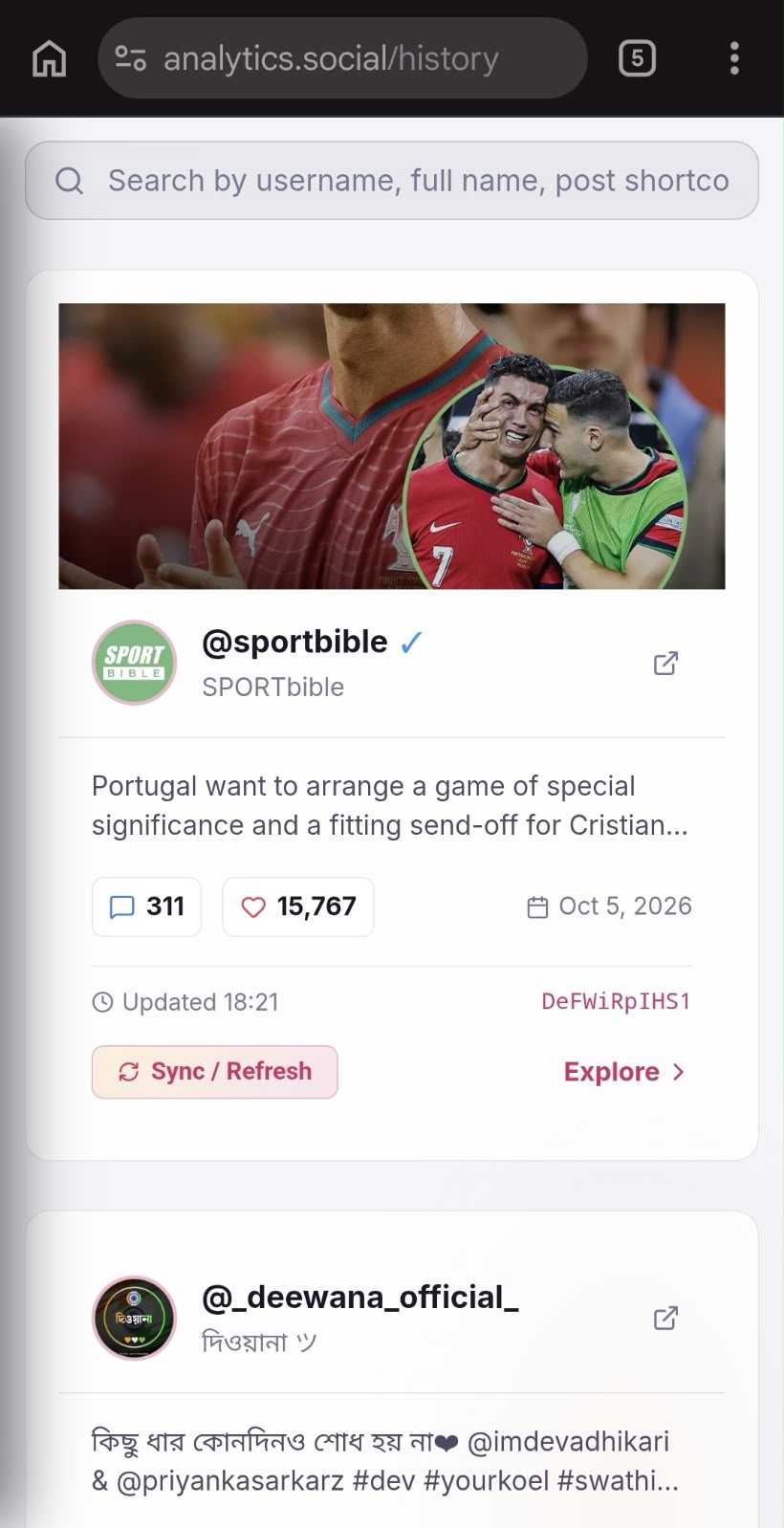
Paste the ad URL into Analytics Social.
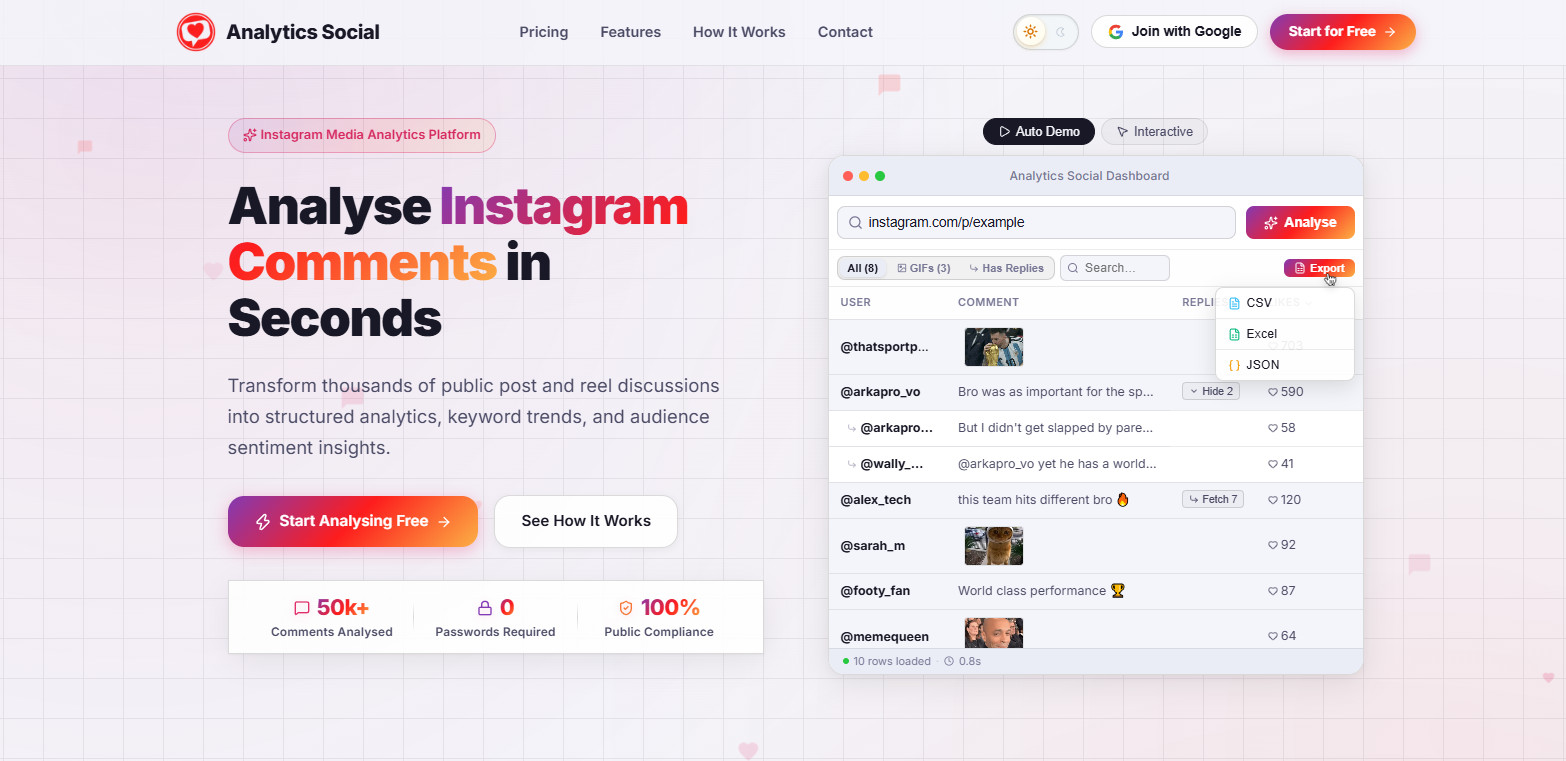
- The platform scans the ad discussion thread and displays all comments with their timestamps, likes, and reply counts.
- Look at the Spam Flags and Sentiment columns to quickly isolate toxic comments.
Step 3: Take Immediate Corrective Action
- Hide vs. Delete: Hiding a toxic comment is often better than deleting it. When you hide a comment, the original author and their friends can still see it (preventing retaliation), but the general public will not.
- Pin Positive Testimonials: Pin 1 to 3 genuine reviews from satisfied customers to the top of the comment section. Pinned testimonials serve as powerful social proof that directly increases checkout conversion rates.
- Reply Transparently to Service Issues: For legitimate customer service complaints, reply publicly within 30 minutes: "We apologize for the delay! We just sent you a direct message to expedite your tracking number." This reassures other shoppers that your brand is responsive and trustworthy.
Summary
Never let toxic comment threads eat away at your advertising budget. Treat your Instagram ad comment section like an active landing page that requires regular maintenance.
Take control of your ad discussions today. Audit your high-spend Reels and ads with Analytics Social to protect your brand reputation and keep your ROAS profitable.