Turn Instagram Comments into Sales: How to Triage Customer Inquiries and Support Requests at Scale

October 3, 2026
Turn Instagram Comments into Sales: How to Triage Customer Inquiries and Support Requests at Scale
When an e-commerce brand launches a viral Reel or scales paid Instagram ads, customer service teams face an unexpected challenge: the public comment inbox.
Consumers rarely navigate to your website's contact form or submit an email ticket anymore. If they have a question about sizing, restock dates, ingredients, or international shipping, they ask directly in the comment section below your post.
If those comments sit unanswered for 24 hours, potential customers abandon their carts. Worse, if complaints about shipping delays remain unaddressed, they discourage other shoppers from purchasing.
In this guide, we examine how modern e-commerce brands triage Instagram comments, separate buying signals from noise, and protect revenue using Analytics Social.
The Leaky Funnel in Your Comment Section
Consider the typical journey of an interested buyer:
- A shopper sees your Reel showcasing a jacket.
- They love the design, but want to know if the fit is true to size.
- They comment: "I am 5'10, should I order Medium or Large?"
- If your team responds within 20 minutes with a helpful recommendation, the shopper converts with high probability.
- If your team takes 3 days to respond, the buying impulse is gone forever.
Fast response times in comments directly increase top-of-funnel conversions.
Separating Buying Signals from Social Noise
A viral post with 2,000 comments contains a mix of reactions: memes, tagged friends, random emojis, and commercial inquiries.
To triage efficiently, customer experience (CX) teams categorize comments into three operational priority tiers:
Priority 1: Direct Purchase Inquiries (Respond within 30 Minutes)
Comments displaying high commercial intent:
- Price questions: "How much is this?", "Is there a student discount code?"
- Logistics questions: "Do you deliver to Australia?", "How long does standard shipping take?"
- Availability: "When will size XL be back in stock?"
Priority 2: Post-Purchase Support & Complaints (Respond within 1 Hour)
Comments from existing customers experiencing issues:
- "Ordered 2 weeks ago and haven't received a tracking update."
- "Package arrived damaged, who do I contact?"
Action: Reply publicly with reassurance, then transition to private support: "We apologize for the delay! We just sent you a direct message to pull up your order number immediately."
Priority 3: Social Reactions (Respond when Convenient)
Praise, fire emojis, and general remarks. These do not require immediate ticketing but benefit from a like or brief emoji reply from your brand account.
How to Build a Rapid Comment Triage Workflow
Rather than scrolling manually through the Instagram app on a mobile device, establish a streamlined desk workflow:
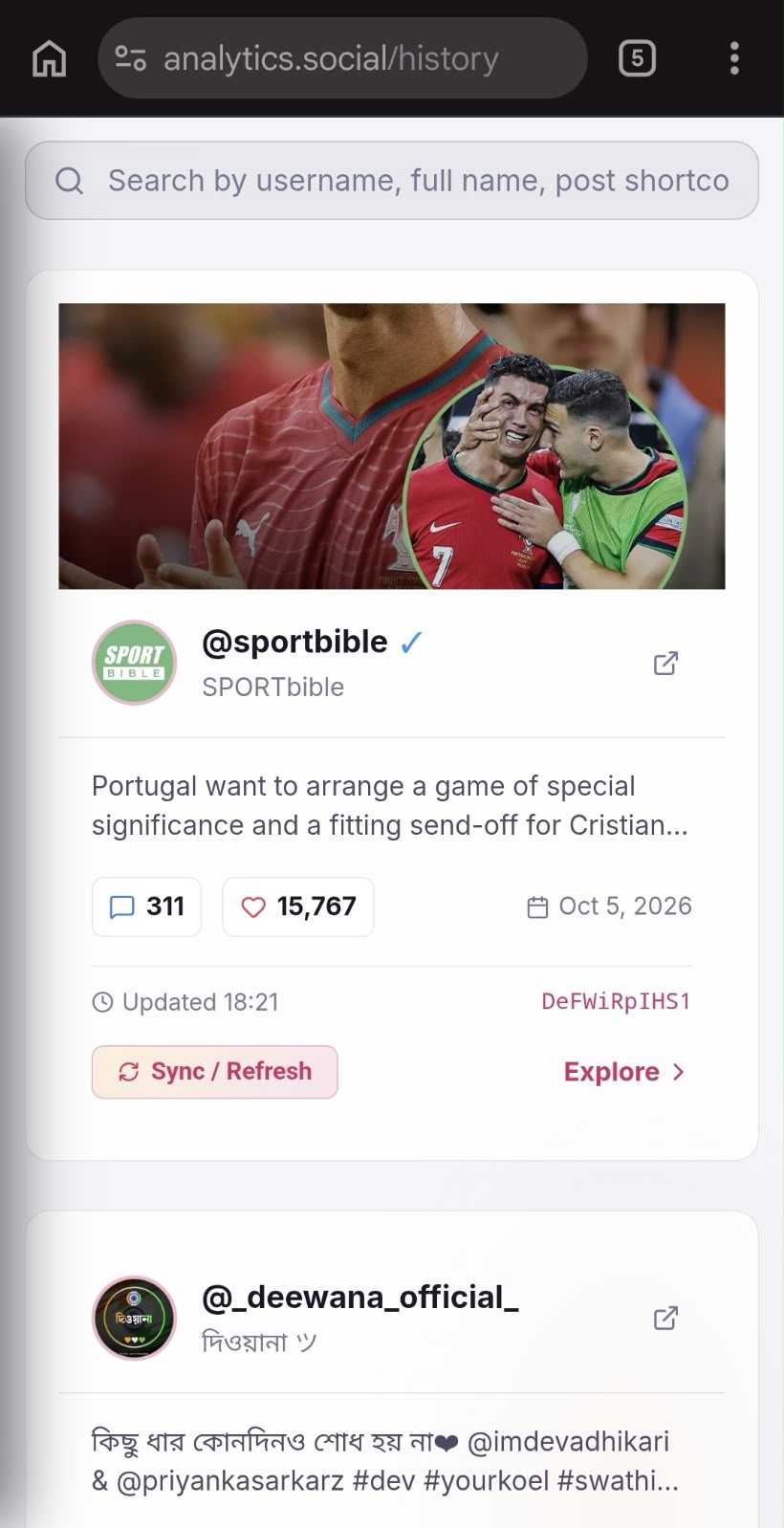
Step 1: Export Comments via Cloud Analytics
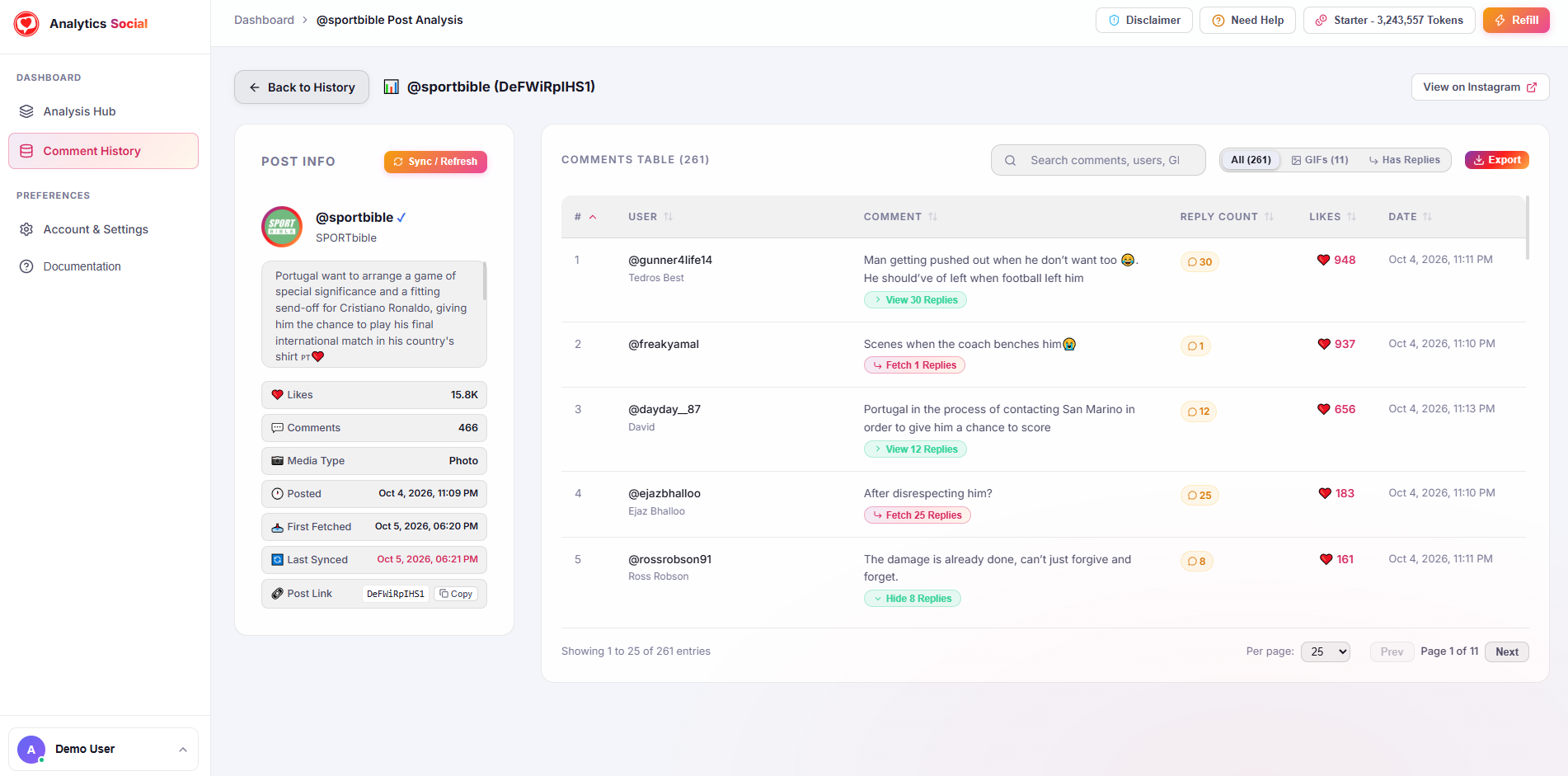
Use Analytics Social to extract recent comments from your active campaigns into CSV or Excel.
Step 2: Filter by High-Intent Keywords
In your spreadsheet, filter the comment text for high-intent trigger words:
size,sizing,fit,large,smallship,shipping,delivery,arriveprice,cost,code,discountorder,tracking,lost,refund
Step 3: Route Inquiries to Support Agents
Copy high-priority rows into your internal support ticketing software (such as Zendesk, Gorgias, or a shared Notion board). Assign specific agents to answer each inquiry directly on Instagram.
If 50 commenters ask the same question about sizing or shipping, write a comprehensive answer and PIN that comment to the very top of the post. This preemptively answers future buyers and saves support time.
Summary
Your Instagram comment section is not just a community forum; it is an active sales channel. By implementing a systematic comment triage workflow, you can prevent lost sales, resolve customer issues before they escalate, and prove that your brand values its customers.
Upgrade your social customer service operations today. Extract and triage customer inquiries with Analytics Social to capture every revenue opportunity.